Looom for Facilities
Log the issue.
Track to close.
Photo-first documentation for facilities managers, property managers, and maintenance coordinators. Offline-ready. Nothing falls through.
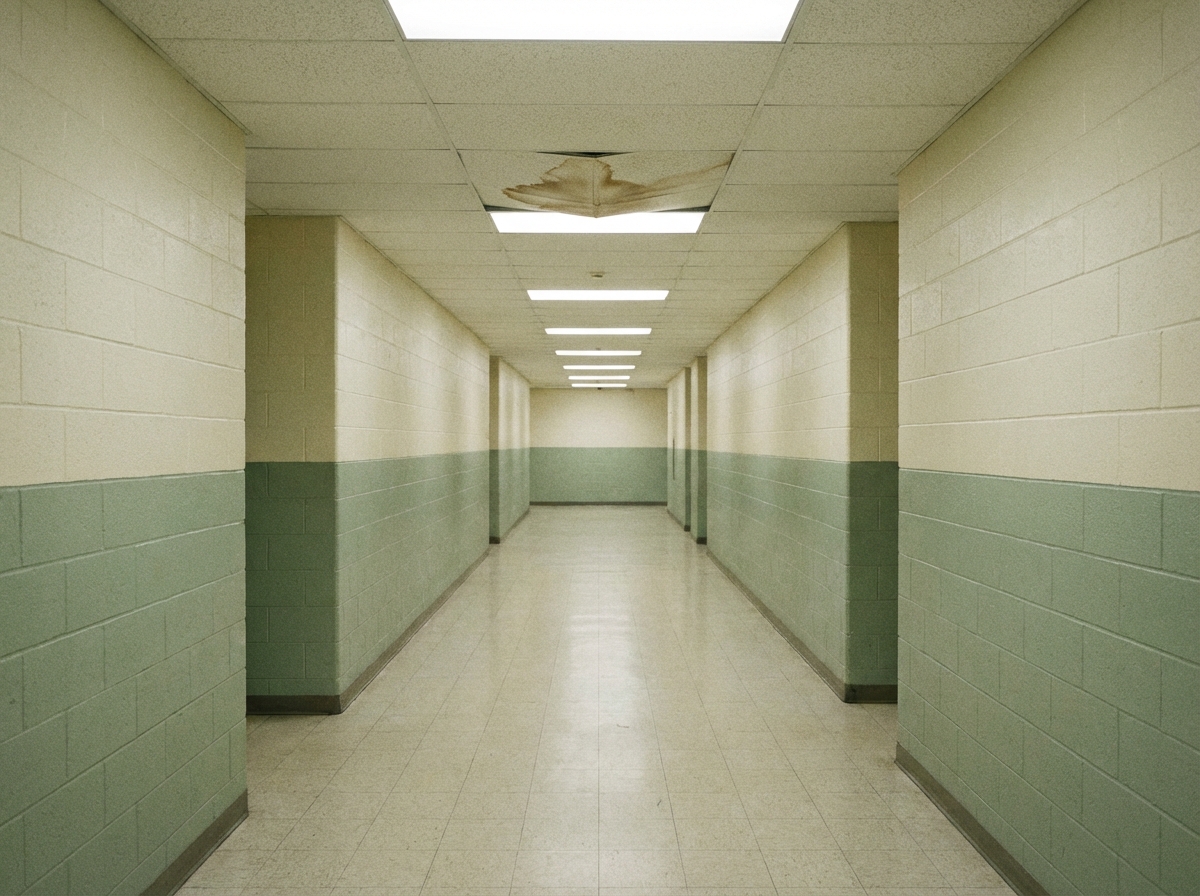
Photo-first documentation for facilities managers, property managers, and maintenance coordinators. Offline-ready. Nothing falls through.
An issue reported by text disappears in a thread. Reported by phone, it was never written down. Snap a photo — AI categorizes it, writes the description. Timestamped, GPS-tagged, and on record before you leave the room.
Without a status trail, nobody knows if the contractor showed up. Named checklists with category assignment and due dates. Status from open to closed — every vendor accountable, every item visible.
Quarterly inspections documented on a clipboard don't survive a dispute. Walk the property, log conditions, share a structured report via hosted link. Owners and tenants see it in any browser.
Named checklists. Category assignment. Status workflow from open to closed. Before-and-after photos when items are resolved.
If an issue isn't tracked to resolution, it falls through. These features exist to prevent that.
Without it, issues get described as "ceiling thing in 204" and assigned to the wrong category. The contractor shows up without context. The owner asks what happened and there's no clear record.
Snap a photo. Looom generates the title, identifies the category, suggests severity, and writes the description. Ten seconds, not ten minutes.
On-device Vision analysis or OpenAI — you choose. Works offline with Vision, queues for AI when back in range.
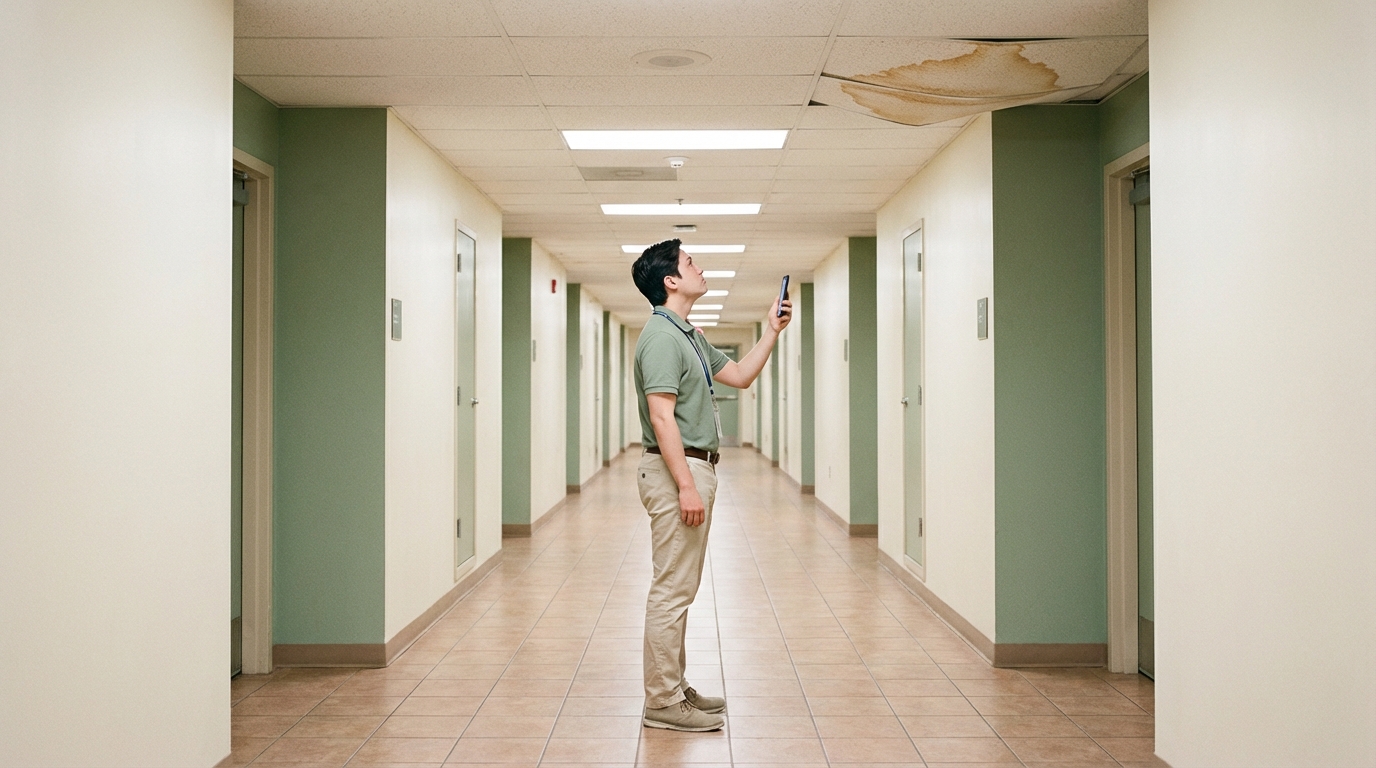
If checking open items takes a meeting or a phone call, you stop checking. Issues sit. Contractors go unaccountable. Owners ask for updates you don't have.
The dashboard shows open, overdue, in progress, and ready-for-review counts across every property. One glance tells you what needs attention today.
Filter by project to see a single property. Lock screen widgets show open item counts without opening the app.
Proof it was done
Without before-and-after photos, the owner asks "was that already like that?" and the contractor says "I fixed it last week." No evidence either way. The dispute lands on you.
Attach a before photo when logging the issue and an after photo at resolution. Swipe to compare side by side. A visual record that protects everyone.
Before-and-after pairs are included automatically in shared reports and visit exports.
Tenants used to text me photos with no context. Now I log the issue myself during rounds — category, severity, timestamp, all done before I leave the unit.
The before-and-after photos saved us in a tenant dispute. They claimed we never fixed the leak. Swipe to compare — dated, timestamped. Case closed.
I check the dashboard widget on my lock screen between properties. Seven open, two overdue. I know exactly what needs attention without opening the app.
Free during Early Access. No account required.