The adjuster often never sees the damage you saw. By the time they review the file, demo is done and walls are open. Your photos are their site visit. Make them count.
Once demo starts, the evidence is gone. Photograph every damage item on arrival — AI identifies the category, suggests severity, writes the description. A complete scope of loss documented before a single nail is pulled.
An undocumented line item is a denied line item. Named scope lists with category assignment and status workflow. Before-and-after photos at every item. The record that survives a supplement review.
Eight emails with photo attachments that hit file size limits. The adjuster never opens them all. Share your scope of loss via one hosted link — every photo timestamped, GPS-tagged, organized by room.
Contractors supplement every job. Adjusters deny what they can't see evidence for. The difference between a full payout and a disputed scope is the quality of what you put in front of them.
Named damage items. Category assignment. Status from documented to remediated. Before-and-after at every line. Everything an adjuster needs to approve — or a supplement needs to win.
Without it, damage descriptions are vague and categories get missed. The adjuster asks for clarification. The supplement stalls. Every undescribed item is a denied item.
Photograph the damage. Looom identifies the claim category, suggests severity, and writes a description detailed enough for the adjuster to act on. Ten seconds per item.
On-device Vision analysis or OpenAI — you choose. Works offline with Vision, queues for AI when back in range.
A mitigation crew running four losses a day has three minutes for documentation at each site. Opening the camera, typing a note, saving, opening again — that friction means items get skipped. Skipped items don't get paid.
Walk Mode keeps the camera live. Photograph the damage, review the AI-generated entry, save, camera reopens. Counter tracks items scoped. The entire property documented before you leave the driveway.
Every item gets GPS coordinates and a timestamp. The scope becomes a geotagged trail through the property the adjuster can follow.
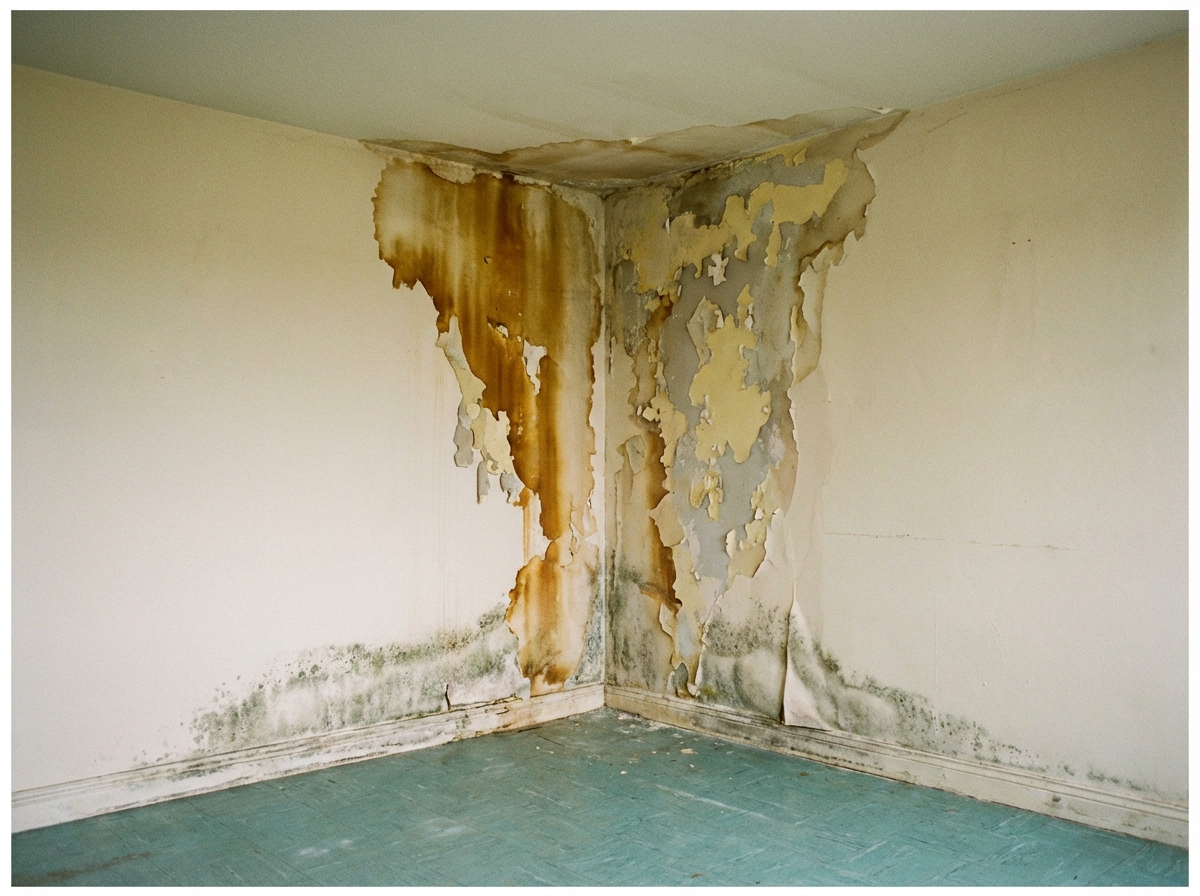
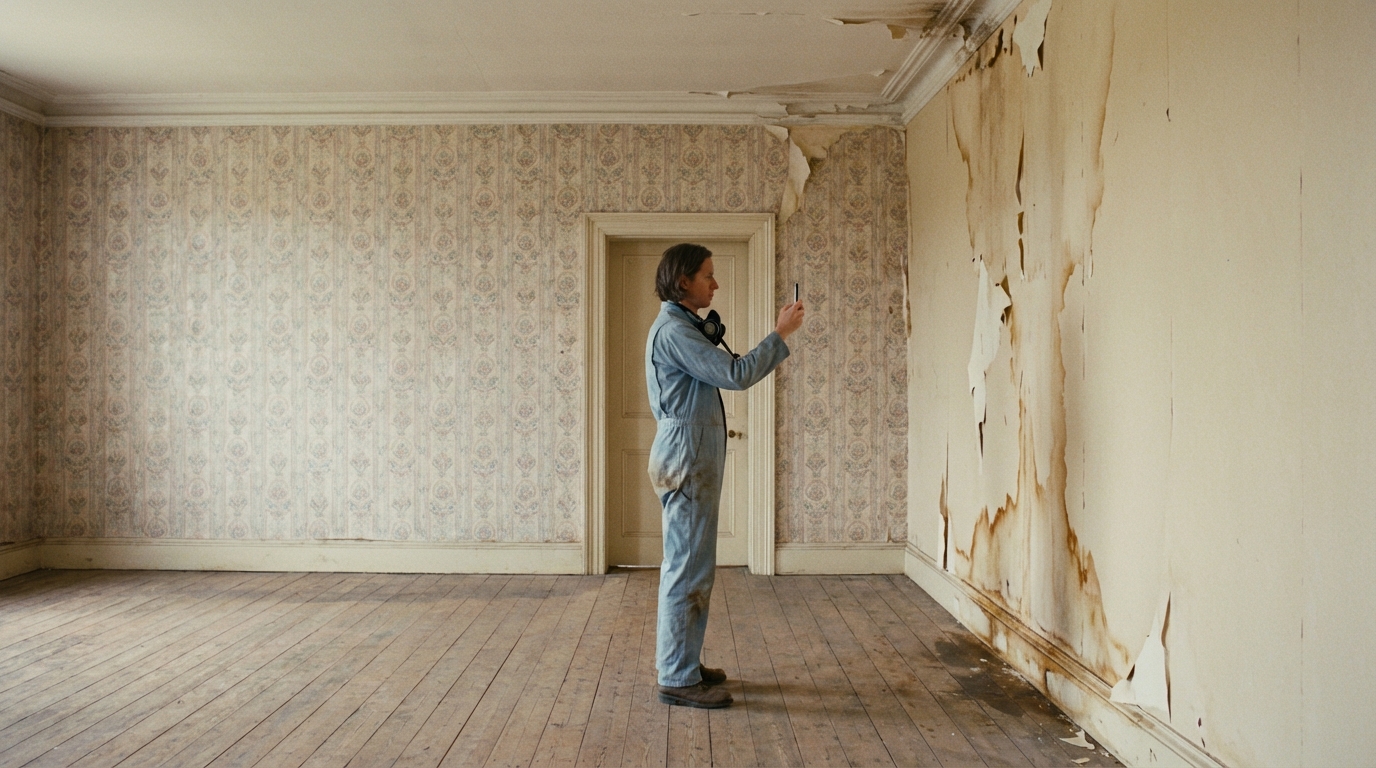
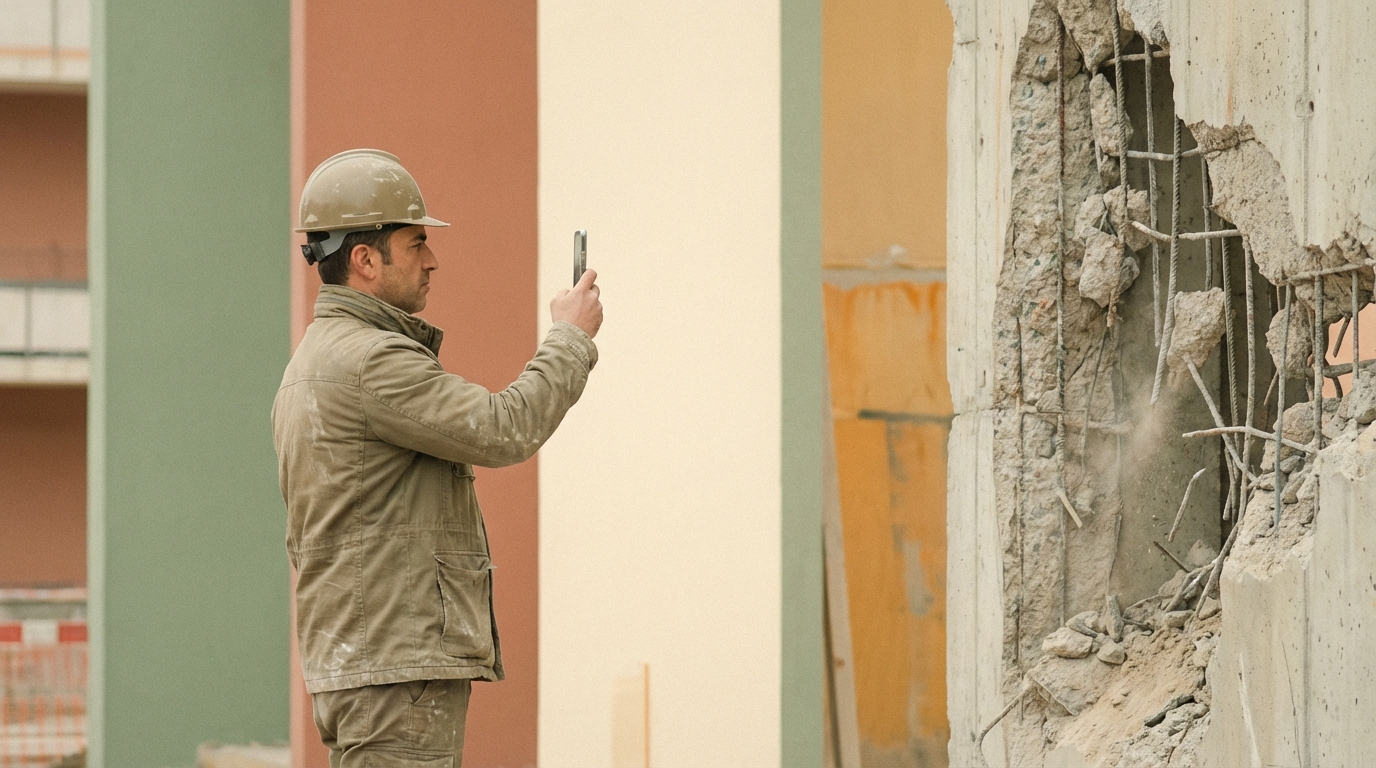
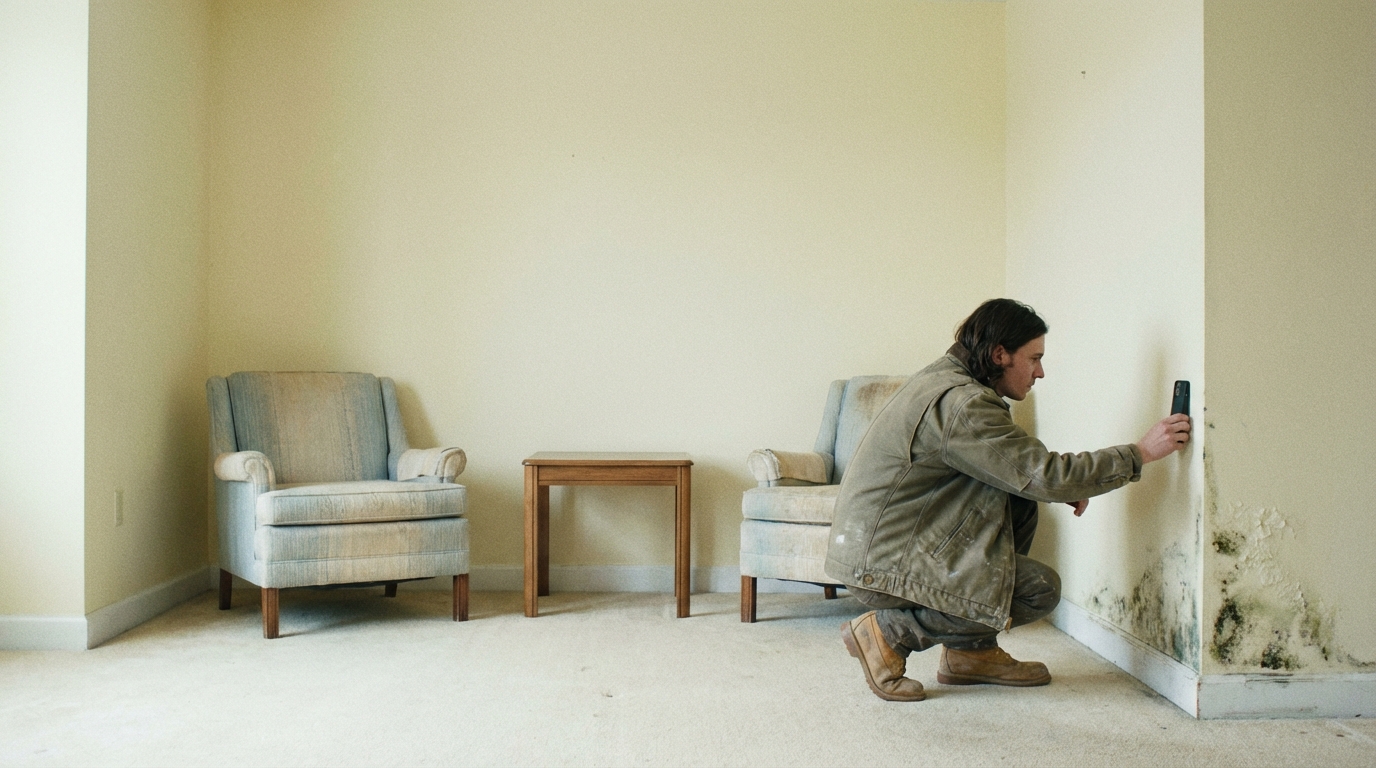
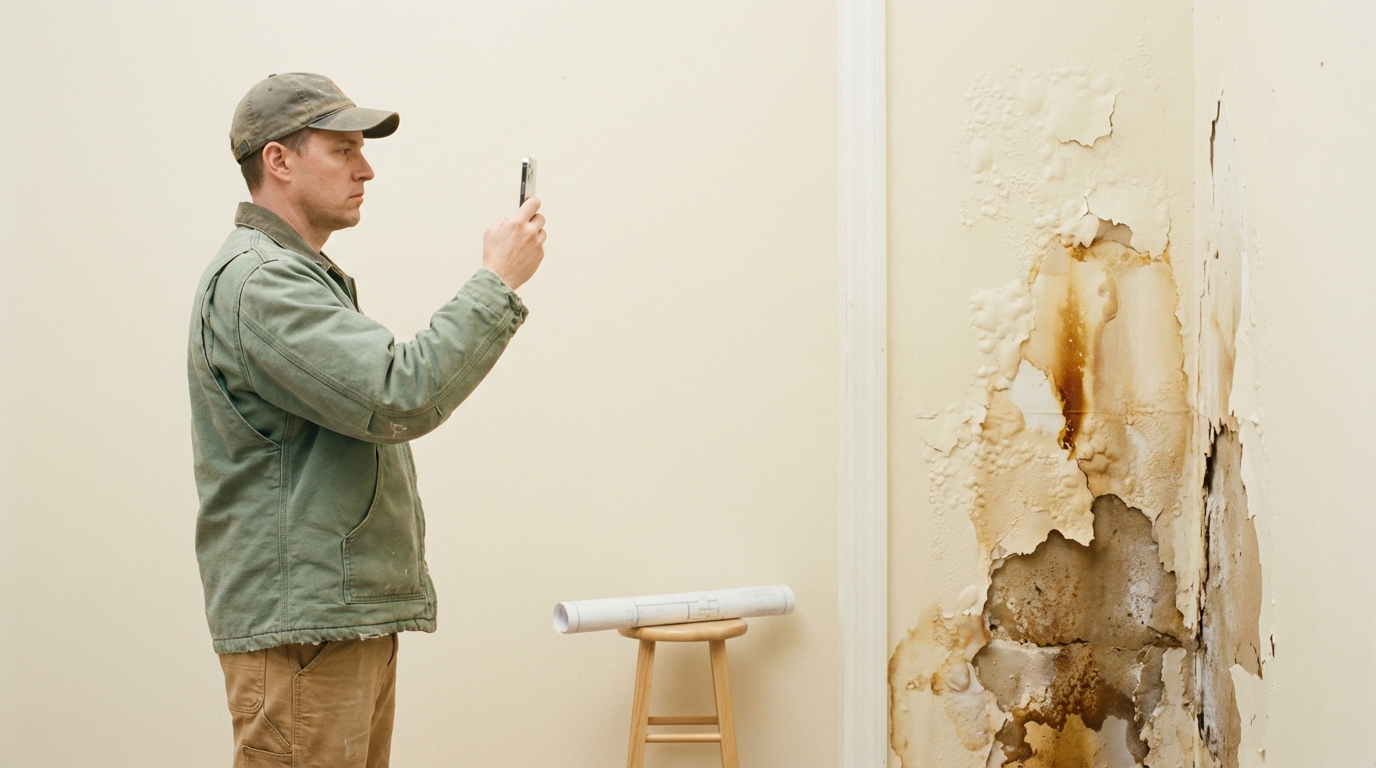
Document everything
A photo of a water stain doesn't show it's an active leak. A photo of a sagging beam doesn't show it's moving. The adjuster sees a static image and downgrades the severity. You lose the line item.
Record video of active leaks, structural movement, or moisture wicking — and attach it directly to the damage entry. The adjuster sees what you saw, not a still frame.
Voice memos work the same way. Narrate the walk-through, describe what you're seeing — the audio transcription makes it searchable.
The adjuster called the damage pre-existing. I sent him the link — every photo geotagged and timestamped the day of the storm. Full scope approved within 48 hours.
We run four losses a day. Walk Mode lets me scope 20 items in one pass through the house. The whole property is documented before I'm back in the truck.
Supplement used to take three weeks of back-and-forth. Now I send one link with video of the active leak and before-and-after at every line item. Approved in days.